Code highlighter issue in NPP v8.4.5
-
I have an issue with code highlighting in Notepad++ 8.4.5. I think it is a regression from the previous version.
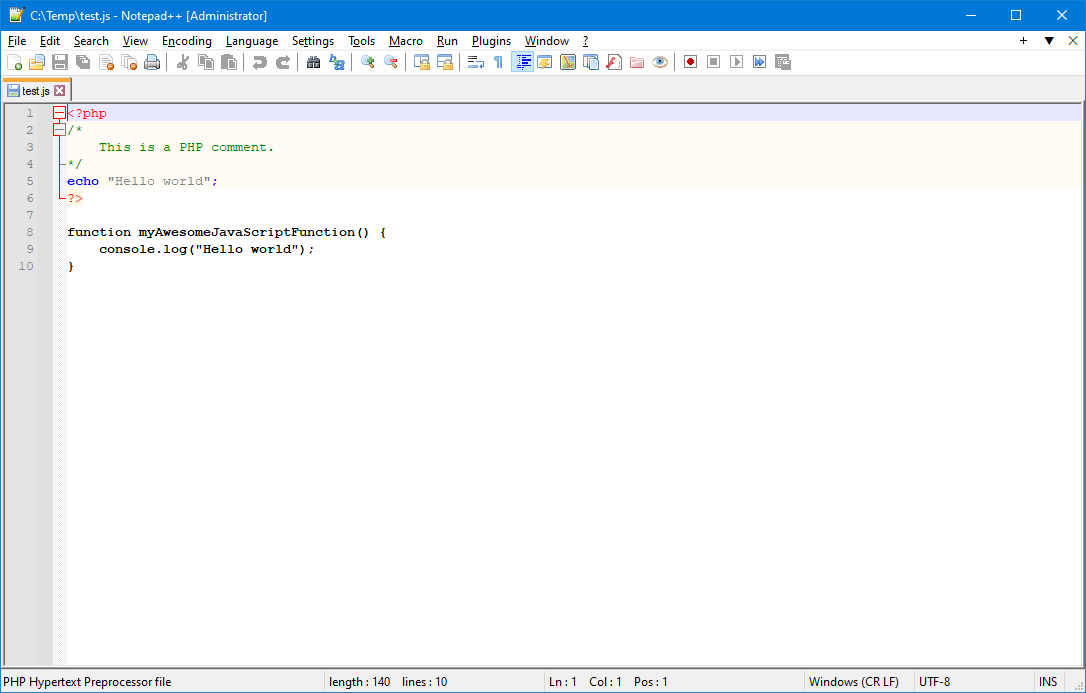
When I open a Javascript source type file that starts with a PHP opening tag, the code highlighter highlights the PHP code but does not recognise the JavaScript code (first image).
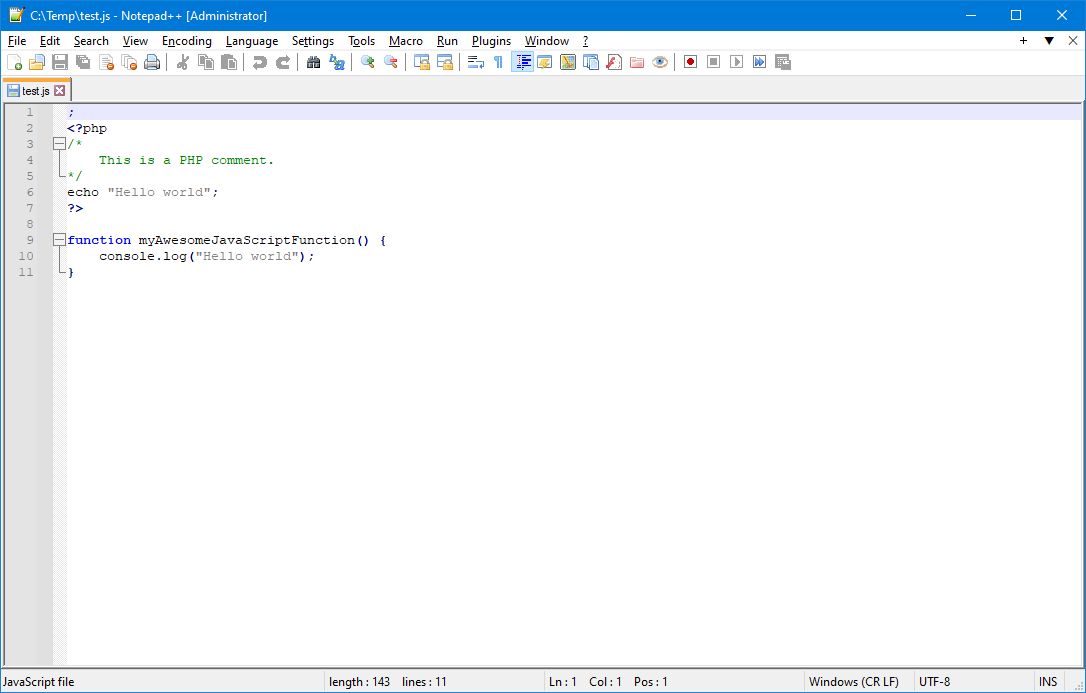
By adding a semicolon as the first character of the source code, which is syntactically correct in JavaScript, the code highlighter now correctly recognises the JavaScript code but not the PHP code (second image).
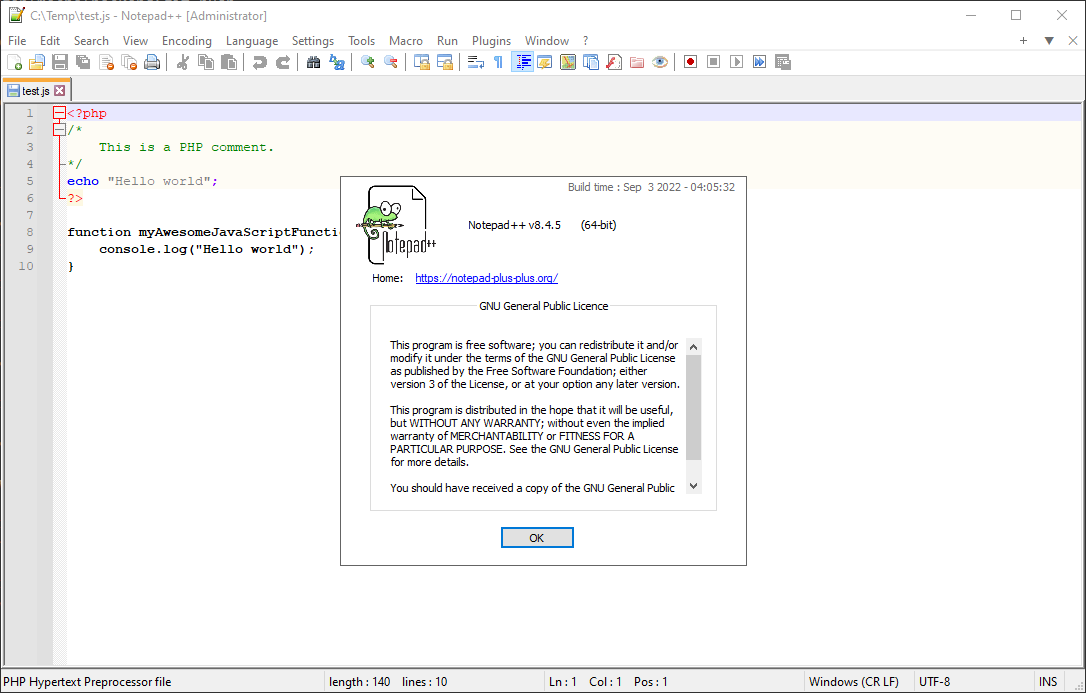
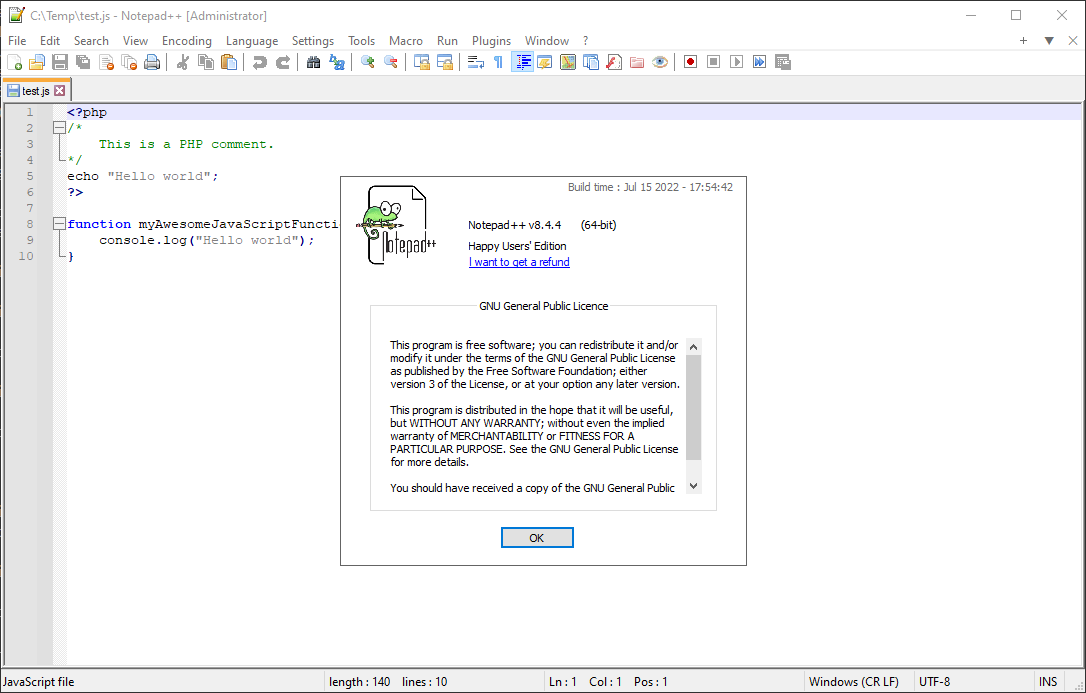
However, this was not the case in Notepad++ version 8.4.4 (third and fourth image comparing versions) which recognises both types of languages without problems.
Tested in the installable version as well as in the portable version without plugins.Opening a JavaScript source with embedded PHP code.
Adding a semicolon.
Comparing versions.
-
I don’t have any specific knowledge about the problem you relate, but one of the enhancements to N++ v8.4.5 was:
Update to Scintilla 5.2.4 and Lexilla 5.1.8As Lexilla is responsible for the aspect you discuss, perhaps a problem was introduced there, between 5.1.8 and its previous version.
-
@Alan-Kilborn Thank you for your comment.
I’ll wait til the next iteration then…


Hello! It looks like you're interested in this conversation, but you don't have an account yet.
Getting fed up of having to scroll through the same posts each visit? When you register for an account, you'll always come back to exactly where you were before, and choose to be notified of new replies (either via email, or push notification). You'll also be able to save bookmarks and upvote posts to show your appreciation to other community members.
With your input, this post could be even better 💗
Register Login